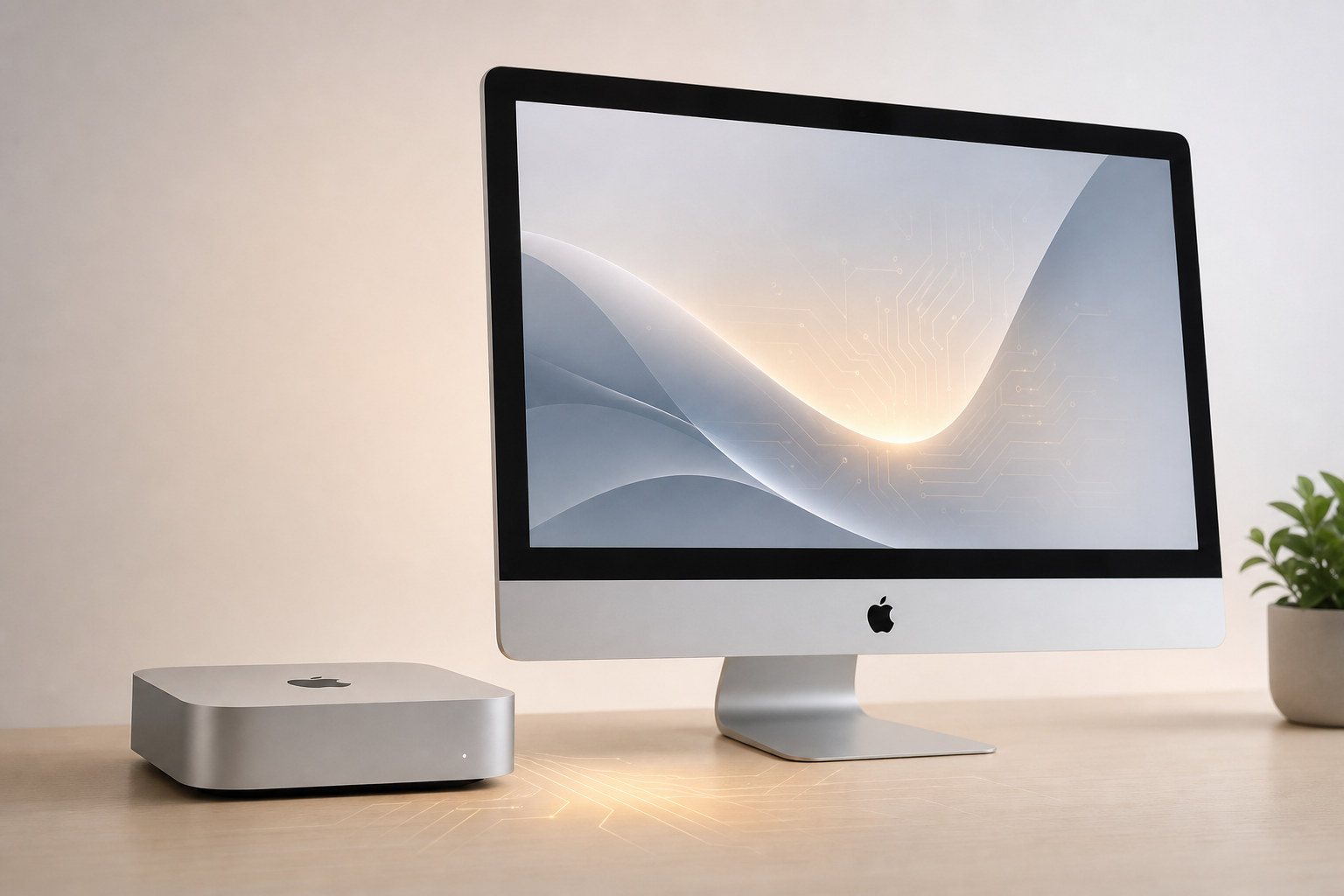
One-line lede: In 2026 everyone asks whether the M6 Mac mini is worth buying—but few put launch timing, expected price, memory choices, and AI model limits in one decision table. Below: verified facts → expected specs and price → performance and AI → buying advice, plus a checklist you can run today.
This article is for you if you are planning a 2026–2027 Mac purchase and need to balance Xcode, local LLMs, and GitHub Runner on one box. For M6 vs M5 Pro chip tiers, start with M6 Mac mini vs M5 Pro Mac mini buying guide.
First: official status of M6 Mac mini
As of August 27, 2026, Apple has not announced an M6 Mac mini—no press release, no specs page. Verified facts:
- M5 Pro / M5 Max shipped on MacBook Pro in March 2026;
- M4 Mac mini remains on sale (M4 and M4 Pro tiers);
- M6 appears in supply-chain and media forecasts for late 2026 to early 2027 as a base-chip refresh; Apple has not confirmed Mac mini timing or whether Pro tiers skip a generation.
Reminder: GHz, core counts, or “XX% faster” without an Apple source are guesses—not procurement facts.
Prices, configs, and performance here form a buying framework from M-series history and published M4 Mac mini specs—not a leak sheet. After Apple announces, trust apple.com.
Expected 2026 M6 Mac mini specs and price
Before official data, use M4 → M5 generational shifts and M4 Mac mini pricing for order-of-magnitude estimates:
| Dimension | M4 Mac mini (shipping) | M6 Mac mini (forecast) |
|---|---|---|
| Chip tier | M4 base / M4 Pro | Next-gen M6 base (Pro TBD) |
| US entry price | From $599 (M4 base) | Likely similar entry or slight increase |
| Base RAM | 16GB (2024 onward) | Likely 16GB start; 24GB BTO common |
| Neural Engine | M4 generation | Stronger generational jump (if M-series pattern holds) |
| Thunderbolt | TB4 / TB5 (by tier) | Likely continuity or modest bump |
Price bands (BTO, unofficial):
- Base + 16GB + 256GB: Lowest door; high swap risk if you run local models alongside dev tools;
- Base + 24GB + 512GB: Practical minimum for AI / iOS dev—roughly $899–999 (region-dependent);
- 32GB tier if offered: Often $200–400 above 24GB—for resident 14B+ models or multiple runners.
Final numbers on Apple’s site only. No “leaked to the dollar” quotes here.
Performance: beyond Geekbench, look at sustained workload
Real Mac mini performance for dev teams comes from three load types:
- Burst:
xcodebuild, Swift compiles, unit tests—CPU cores and disk IO; - Sustained: Long transcodes, Core ML batch inference, parallel runners—GPU bandwidth and thermals;
- Resident: Ollama / MLX models, Docker, simulators—unified memory capacity.
M6 base likely wins on watts-per-task and Neural Engine generation, not a clean sweep over last-gen Pro silicon. Single-node 7B–14B local models and Core ML export benefit from M6; multi-runner 32GB+ sustained GPU work may still favor Pro tiers or more RAM—see M6 vs M5 Pro comparison.
Self-check (run for a week on your current Mac):
sysctl vm.swapusage
/usr/bin/memory_pressure -Q
If swap stays above ~1GB routinely, upgrading to 24GB RAM or splitting execution beats waiting for a chip badge—aligned with M4/M5 Apple Silicon AI platform notes.
AI and Neural Engine: not the only variable
Local AI on Mac mini usually stacks four layers:
- IDE / Claude Code (interactive peaks);
- Ollama / MLX (7B–14B, 4–8GB+ resident);
- Embeddings and batch inference (off-peak);
- GitHub Runner (burst +4–8GB).
M6 base with upgraded Neural Engine and memory controllers helps Core ML and Apple Intelligence-style workloads—but +10–15% tok/s from a generation often loses to +8GB RAM.
M4 benchmarks: 16GB on qwen3:8b ~34 tok/s with 1.1GB swap; 24GB ~37 tok/s zero swap (M4 Mac mini Ollama benchmarks).
| Scenario | Worth waiting for M6 | M4/M5 enough today |
|---|---|---|
| Single 7B–8B model + Xcode | ✓ (if NE jump confirmed) | ✓ |
| Resident 14B + parallel runners | Needs 32GB+ tier | Pro tier or Cloud Mac |
| Cloud API only, no local models | Buy RAM, not generation | ✓ |
| Core ML export heavy | ✓ | ✓ |
Memory and storage: first priority
Apple Silicon Mac mini RAM is soldered—no upgrades later:
| RAM | Good for | Poor for |
|---|---|---|
| 16GB | Xcode only, no local LLM, runners elsewhere | Ollama + IDE + runner on one machine |
| 24GB | Default for AI dev, moderate iOS CI | Multiple VMs + resident 14B |
| 32GB+ | Large-model experiments, many runners | Tight budget with cloud offload option |
Storage: 512GB minimum (Xcode, DerivedData, model caches grow fast). Thunderbolt SSD helps capacity—not swap.
Who should buy, wait, or go cloud
| Profile | Advice |
|---|---|
| Frequent swap, CI slowing, projects cannot pause | Don’t wait for M6—fix RAM or use Cloud Mac |
| Machine stable 3–4 months, want NE generation | Wait for M6 real-world reviews |
| Budget-sensitive, splittable workload | M4 24GB or pay-by-day Cloud Mac |
| Needs 32GB+, many parallel runners | M4 Pro / M5 Pro or cloud nodes—skip base M6 wait |
Simple decision:
If
(swap hours × delay cost) > (Cloud Mac monthly rent × wait months)→ fix execution first, don’t idle-wait for M6.
Buying advice and checklist
Before launch (now):
- [ ] Log
vm.swapusageandmemory_pressurefor a week - [ ] List resident processes: IDE, Ollama model size, runner count
- [ ] Compare Mac mini buy vs Cloud Mac 3-year TCO
- [ ] Watch Apple newsroom and WWDC / desktop Mac launch forecast
After Apple announces:
- [ ] Verify apple.com specs (cores, RAM ceiling, Thunderbolt generation)
- [ ] Wait for 2–3 independent reviews (Ollama tok/s, Xcode builds, swap behavior)
- [ ] Confirm BTO delivery lead times (launch queues often 2–4 weeks)
- [ ] If M6 and M5 Pro sell together, use dual-chip comparison
Closing: workload first, badge second
Whether M6 Mac mini is worth buying depends on whether memory and execution—not the chip name—already bottleneck you. Before Apple speaks: measure the bottleneck → price the wait → bridge with Cloud Mac if needed.
ZavCloud Developer Infrastructure
Skip the wait—run your AI dev stack on Cloud Mac today
Rent a Mac mini M4/M5 by the day, Xcode and Ollama ready out of the box
1Gbps dedicated bandwidth—GitHub Runner and local LLM on one machine