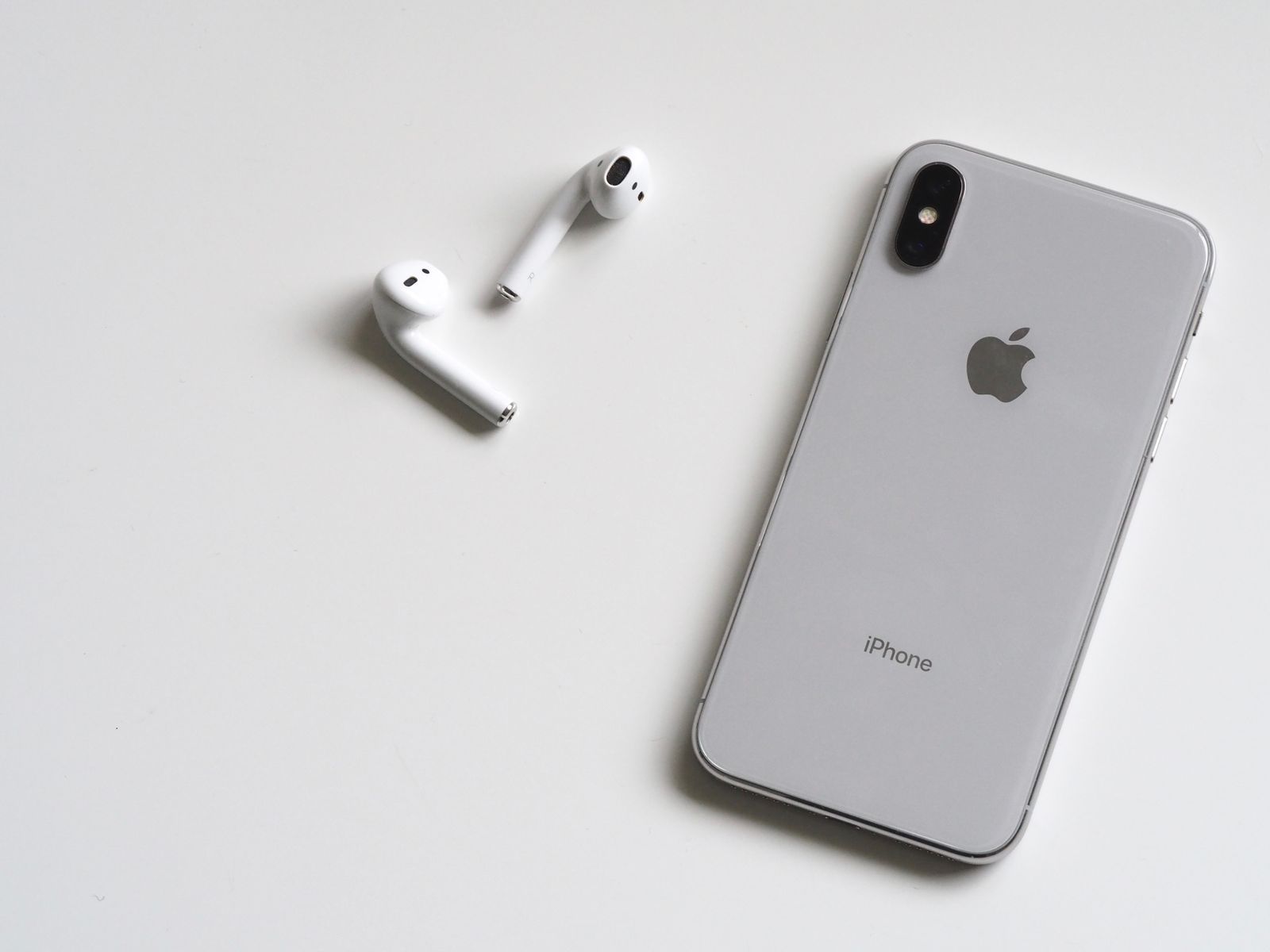
The OS just landed and the phone is hot. First reflex: the GM is a lemon. Below we split the first two days of background indexing heat from steady-state gaming, 5G, and video, then tie it to our iOS 27 device tiers and the 18 Pro vs Pro Max thermal gap.
What you feel is the shell, not the junction. The usual miss: “hot the night of the GM, so A20 Pro cooling failed.” Separate Spotlight / Photos / Apple Intelligence re-indexing from the next steady-state game session.
How we measured: room, probes, what a reading means
The handset is an iPhone 18 Pro 256GB, TSMC 2 nm A20 Pro, C2 modem, on the 14 September iOS 27 GM (23A341). Event cadence: fall event notes. Silicon and chassis: 18 Pro vs Pro Max. This piece is shell temperature and whether frames hold — not price or storage.
| Item | Setup |
|---|---|
| Room | 24.5°C, no sun, no duct; desk stand-off, not on a sofa |
| Shell | Bare. No case, no MagSafe, no magnetic stand |
| Display | 80% brightness, True Tone and ProMotion on, Low Power Mode off |
| Battery | 80–85% at the start of each load; unplugged except the charge-while-play set |
| Back-skin | Thermal camera on mid-back and camera-island edge; 10-second sliding peak |
| When | First pass ~8 hours after OTA; indexing still running, called out in-text |
How to use a reading
42°C on the back already feels “hot to hold.” That is not a runaway junction. We also watch whether frames fall from 60 below 50, whether the system clamps video bitrate, and whether Settings throws a charge or overheat alert. One IR number alone is noise.
We did not run an iPhone 17 Pro side-by-side — the warehouse 17 Pro was still on iOS 26.6 that day. A generation gap would mash “silicon gain” into “new-OS indexing.” Which phones take 27, and which tier gets full Apple Intelligence: five-phone table.
First 48 hours: indexing heat ≠ design heat
After the 14 September GM, night-one complaints were not dropped frames. They were hot on the lock screen while charging, hot while a podcast plays. Same week-one pattern as every major release: Spotlight rebuilds, Photos semantic index, Apple Intelligence on-device models landing — all eating CPU and the Neural Engine while you think you are idle.
| Scene | Duration | Mid-back peak | Near camera | Notes |
|---|---|---|---|---|
| Idle + background index after OTA | 8 hours overnight | 38.6°C | 40.1°C | Photos still processing in Settings |
| Safari + iMessage | 30 minutes | 34.8°C | 36.2°C | Already everyday-in-hand |
| Lock screen, untouched | 20 minutes | 33.1°C | 34.0°C | Floor when indexing pauses |
38–40°C idle on the back does feel wrong. It is not the 60-minute game curve. On past majors, most phones drop 2–4°C after 48–72 hours. Convict the GM on night-one feel and you picked the wrong window.
Do not stack the heaviest work the night you update
Do not charge-and-play an open-world title while indexing is still running, and do not make this just-updated phone the only Xcode 27 device. The developer window and the user upgrade day are not the same line — see Xcode 27 / SDK gates.
Gaming 30 / 60 minutes
Open-world, max quality, 60 fps target, “Very High,” frame rate uncapped. Wi-Fi first, then 15 minutes on 5G to see the modem stack. Room 24.5°C, two-hand hold, mid-back probe clear of fingers.
| Load | Duration | Mid-back peak | Near camera | Frames / feel |
|---|---|---|---|---|
| Open world · Wi-Fi | 30 minutes | 42.4°C | 44.8°C | Locked 60 for 22 minutes, then the odd 1–2 frame hitch |
| Open world · Wi-Fi | 60 minutes | 43.9°C | 46.2°C | GPU down ~8% in the last 15 minutes; still playable |
| Open world · 5G | 15 minutes | 44.6°C | 46.8°C | ~1.5°C hotter than the same Wi-Fi stretch |
| Game + 5G + 20W charge | 30 minutes | 46.8°C | 48.4°C | Thermal brightness cut; do not treat this as daily |
On a single game load, 43.9°C at 60 minutes is a Pro chassis “hot, still playable” — not hot enough to shut down. The camera island stays ~2°C above mid-back. The thermal-camera hotspot is the camera bump; the palm center is less dramatic. Drop brightness from 80% to 50% and the same 30-minute stretch loses about 1.2°C — more than swapping cases.
A20 Pro’s 2 nm and 32-core Neural Engine raise the peak. Long sessions still hit chassis area. Same line we have written before: 18 Pro and Pro Max share the chip; long sessions differ on cooling and battery, not a second SoC.
5G: streaming vs hotspot
C2 runs hotter on a weak cell than in a full-bar lab. We used indoor full-bar 5G on two lines: 4K streaming only, and a hotspot feeding a laptop at ~400 Mbps. Display held at 80% so we were not “measuring the modem with the screen off.”
| Load | Duration | Mid-back peak | Near camera | Notes |
|---|---|---|---|---|
| 5G, 4K stream | 40 minutes | 40.2°C | 42.0°C | Decode-heavy; modem at steady state |
| 5G hotspot to a laptop | 30 minutes | 41.8°C | 43.5°C | Uplink + forward is hotter than watch-only |
| Wi-Fi, same 4K | 40 minutes | 37.6°C | 38.9°C | Control: no modem slice |
“5G runs hotter than Wi-Fi” holds. The delta is smaller than gaming. The miss is the hotspot: people turn 18 Pro into a travel router, then stack maps and charging, and back-skin climbs toward the game band. A 40-minute commute video at 40°C is warm. It is not a defect.
4K60 and ProRes
Both Pro models list a 48MP variable aperture — see the event checklist. Video heat is ISP, stabilizer, and write — not whether Portrait blur is on. Outdoor overcast, flash off, phone out of a pocket.
| Spec | Duration | Mid-back peak | Near camera | System interrupt? |
|---|---|---|---|---|
| 4K60 HDR | 20 minutes | 40.8°C | 43.1°C | No; preview stayed smooth |
| ProRes 4K | 15 minutes | 42.1°C | 44.6°C | No; writes run hotter |
| 4K60 + 5G live push | 12 minutes | 43.4°C | 45.2°C | Preview hitch once; recording held |
Video alone is cooler than gaming alone. ProRes, because it writes constantly, feels closer to a 30-minute game. Stack “short-form camera + 5G live” and you hit 43°C+ at 12 minutes — load stacking, not iOS 27 cooking the camera by itself.
- In-hand map
- Below 38°C: you can hold it; most people will not complain.
- 40–44°C: hot, but you can finish a match or a take.
- Above 46°C: stop charging, pull the case, leave the sun; do not add a hotspot.
Scorecard: is it bad
Three load lines plus post-update indexing, one table. The cut is “change a habit,” not “did the junction hit danger.” You never get to feel the junction on a consumer phone.
| Question | Reading | Call |
|---|---|---|
| Is casual browsing bad | 34.8°C / 30 minutes | No |
| Night-one idle after the update | 38.6°C overnight | Hot — wait 48–72 hours |
| 60-minute game | 43.9°C mid-back | Hot, playable; drop brightness before you swap cases |
| 5G, 4K stream | 40.2°C / 40 minutes | Warm. Not a return reason |
| 20 minutes of 4K60 | 40.8°C | Fine; ProRes a bit hotter |
| Game + 5G + charge | 46.8 / 48.4°C | This stack is the problem — not daily use |
One-line verdict (here, not in the lede)
iOS 27 GM did not turn iPhone 18 Pro into a hand warmer. Single loads sit inside a Pro chassis envelope. Forum “severe” is usually indexing + a thick case + charge-while-play stacked. Pro Max is calmer — see the comparison, not a different OS.
What to turn off — and what not to roll back
- The first two days on 27, let Photos and Spotlight finish. Do not verdict that night. Do not downgrade for it.
- Games past 40 minutes: case off, brightness 50–60%, Wi-Fi if you can; do not charge while you play.
- 5G for video usually needs no change. Hotspot? Switch back to Wi-Fi, or put a SIM in the laptop.
- ProRes past 15 minutes: leave a cool-down. Do not jump straight into a game.
- Settings → Battery: look for odd background. High Photos / Siri during indexing is expected, not malware.
- Developers: on-device debug stacked on indexing runs hotter. Long builds, Instruments, 27 SDK archives belong on an Apple silicon Mac — not this just-OTA’d 18 Pro.
Price and on-sale dates are out of scope — see the four-region price table. The toolchain still wants 26.4 and Xcode 27. If the office laptop cannot carry it, rent a dedicated node by the day. Do not make the phone the debugger and the game machine at once.
# Settings → General → About
iOS 27 (23A341) · iPhone 18 Pro

# Settings → Battery → Battery Health (overheat pause only — do not chase the number)
Optimized Charging / Charging Paused Due to Temperature during the index window
Search Settings for “Analytics & Improvements.” Do not read “Share iPhone Analytics” as “background always at 100%.” Analytics logs cost a little I/O. They are not why idle sits at 38°C.
FAQ
Does iOS 27 run hot?
On iPhone 18 Pro, it is not a thermal design miss. Casual browsing sits around 35°C. A 60-minute game peaks at 43.9°C on the back and 46.2°C near the camera island. What actually burns is play-while-charging plus 5G, and the first 48 hours of indexing heat.
The first two days after the update are hot. Should I downgrade?
Wait. Spotlight, Photos, and Apple Intelligence rebuild indexes in the background. Idle back-skin can hit 38–40°C. Most phones drop 2–4°C after 48–72 hours. Do not judge the GM by night one.
Which is hottest: gaming, 5G, or video?
On a single load, a 60-minute open-world session wins. A 5G hotspot runs hotter than streaming. 20 minutes of 4K60 HDR sits between them. The worst stack is game + 5G + charging.
Is iPhone 18 Pro Max much better?
Same A20 Pro. The gap is chassis area and battery. Pro Max is calmer on long sessions, not a different cooling design. See the six-point comparison.
Does on-device debugging run hotter?
Yes. Xcode 27 logging and Instruments sampling stack on top of system indexing. Do not park long builds on a phone that just updated. Use an Apple silicon Mac as the builder.
ZavCloud Developer Infrastructure
The phone in your pocket can run hot. The builder should not
iOS 27 GM week, 18 Pro is indexing, gaming, and sitting on the other end of Xcode 27. Those three jobs do not belong on one device.
Rent an Apple silicon Mac mini by the day — separate disk and account for 27 SDK archives and Instruments.